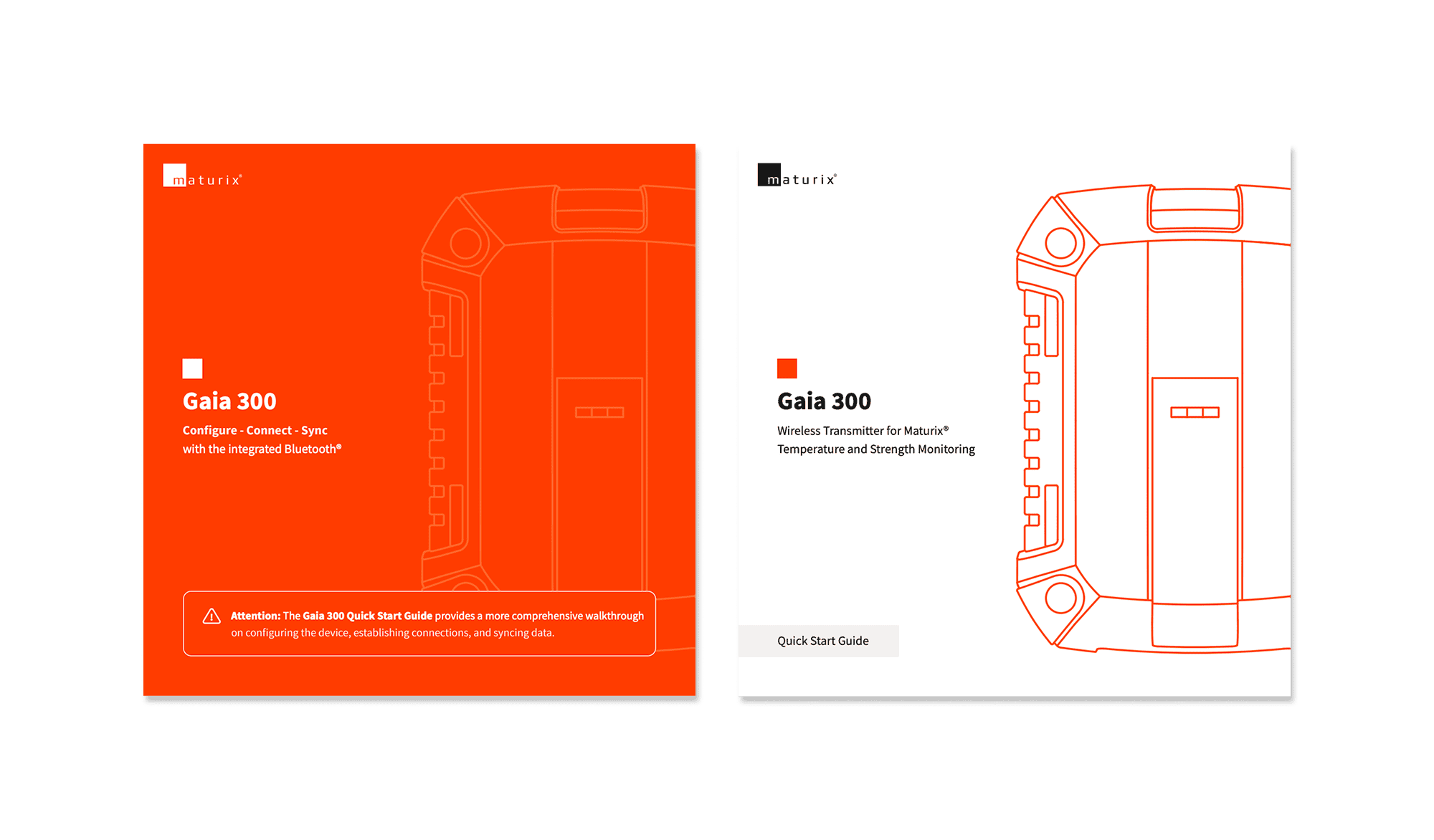
Product
Gaia 300 is a wireless concrete monitoring transmitter designed for harsh field environments. The three LED indicators on the device are the main feedback mechanism for site teams, communicating status, connectivity, and errors without relying on a phone or app.
Challenge
Three LEDs had to communicate a full set of states: standby, configuration, monitoring, Bluetooth availability, connection status, data transfer, low battery, and errors. Each pattern needed to be readable at a glance in real conditions, technically feasible to implement, and clearly distinguishable from the others.
Defining the system was one challenge. Ensuring it was implemented exactly as specified was another.
Process
Mapping the states
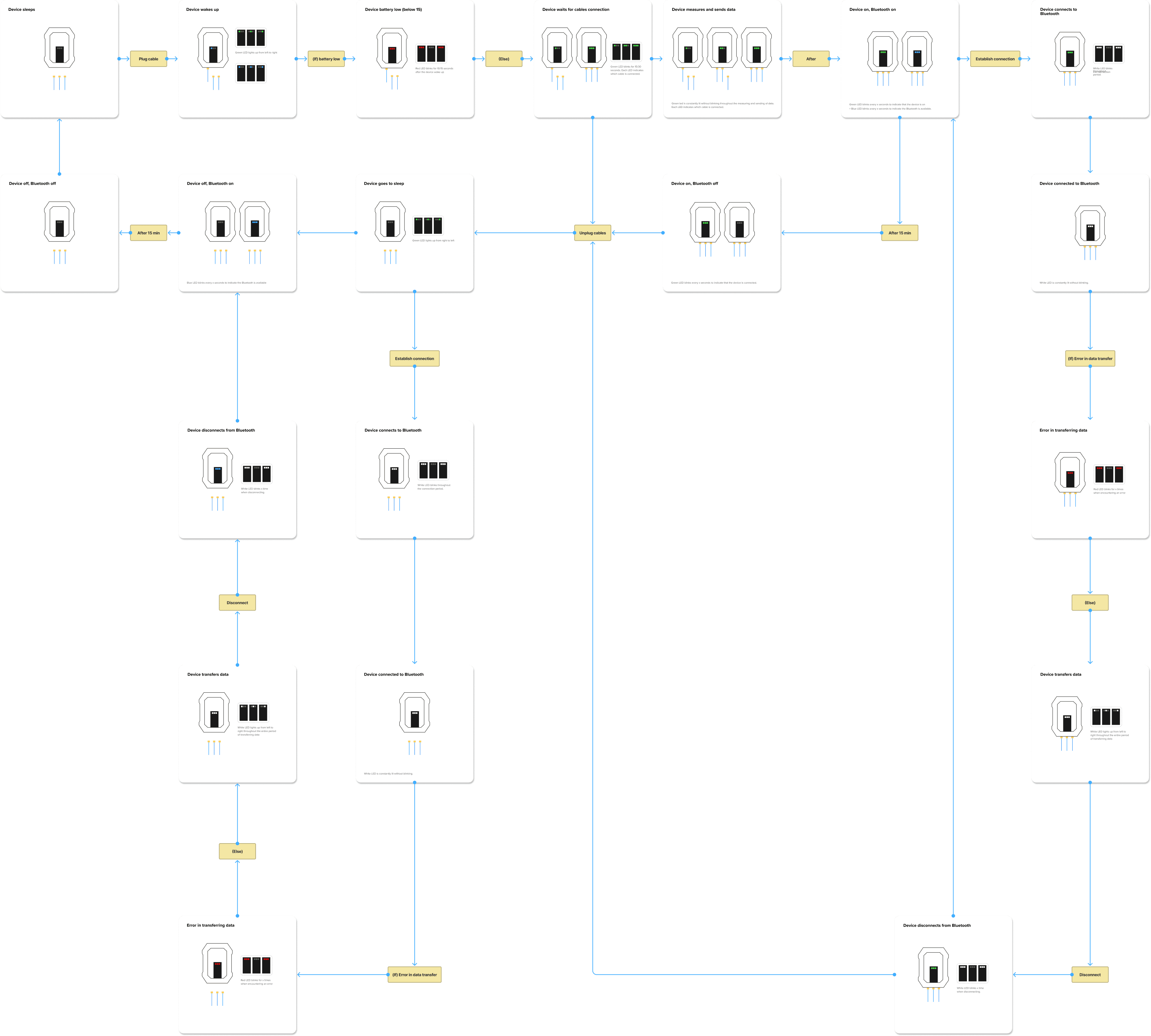
I started by mapping all device states based on the hardware behaviour already defined in the Gaia 300 user flow. This covered the full lifecycle: sleep, wake-up, configuration, cable connection, monitoring, Bluetooth on and off, connection in progress, connected, data transfer, transfer error, disconnect, and return to sleep.
Defining the patterns
For each state, I defined colour, pattern, timing, and how it should differ from other states. Green indicates device activity and cable status. Blue indicates Bluetooth availability. White indicates active connection and data transfer. Red indicates low battery and errors. Each LED maps to a thermocouple channel, allowing users to see which cables are connected at a glance.
I documented the full system in Figma, including annotated diagrams, timing values, and trigger conditions. This became the reference for the hardware team.
Iteration with hardware
When the first build was delivered, I tested the behaviour against the specification. I provided feedback on timing, blink speed, and pulse duration where it did not match. We went through several iterations until the implementation aligned with the defined behaviour.
Print documents
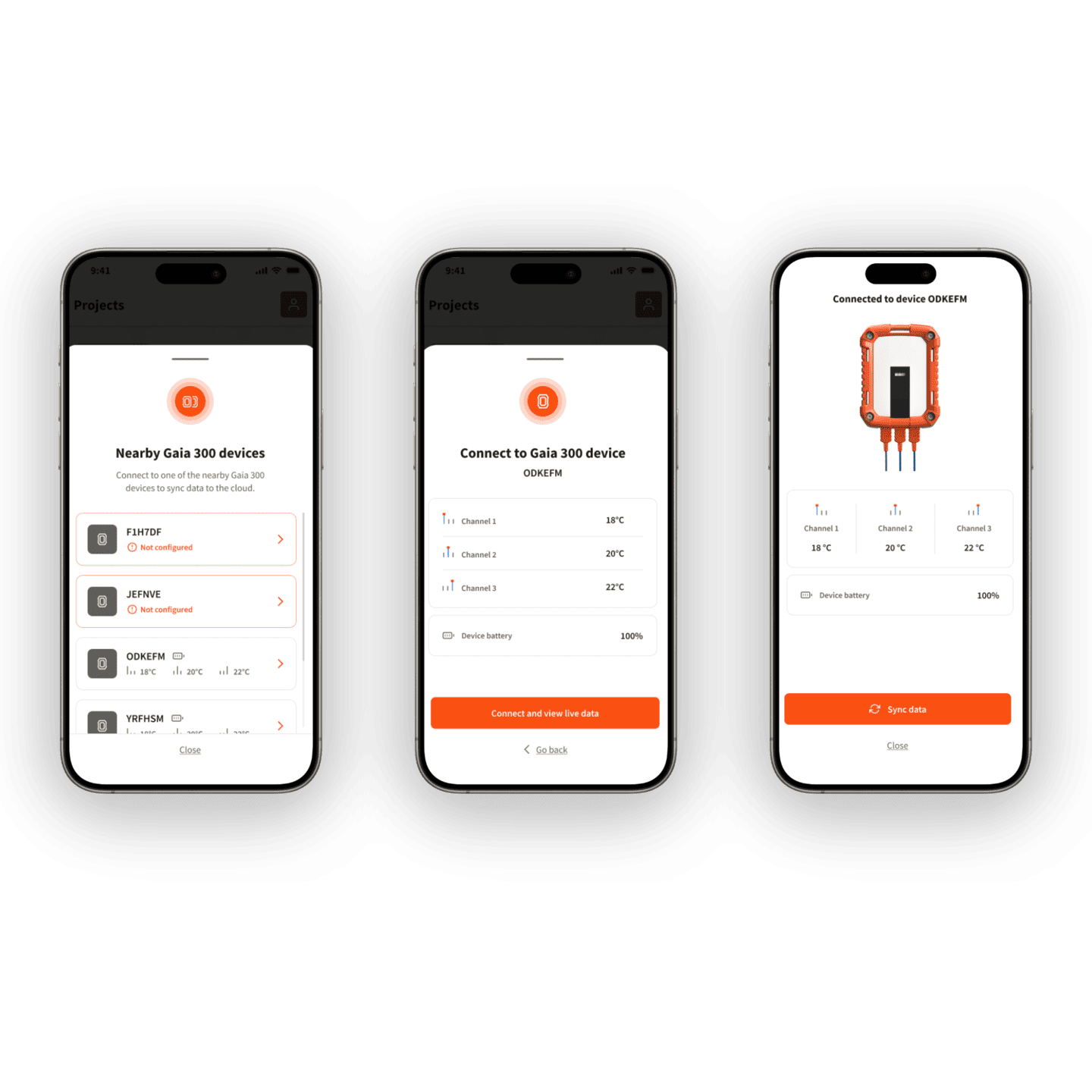
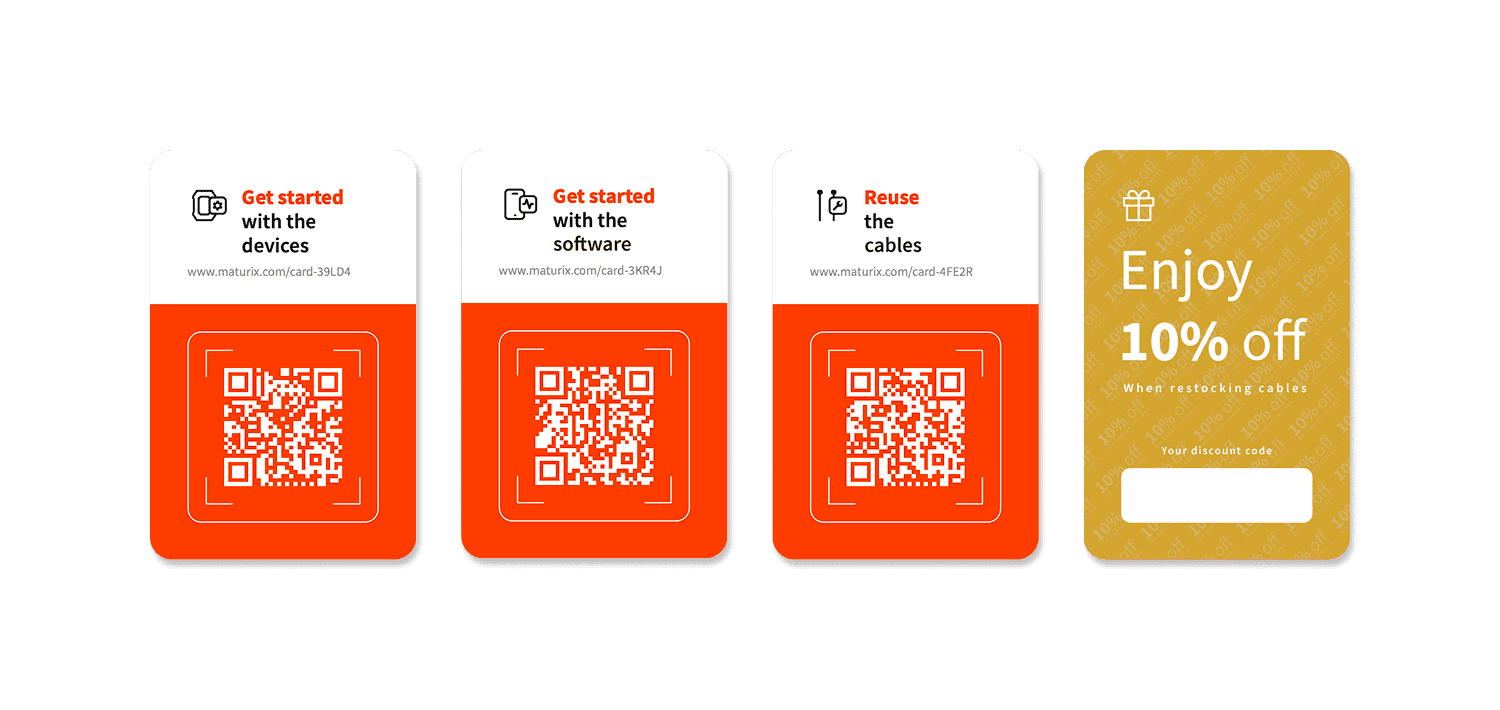
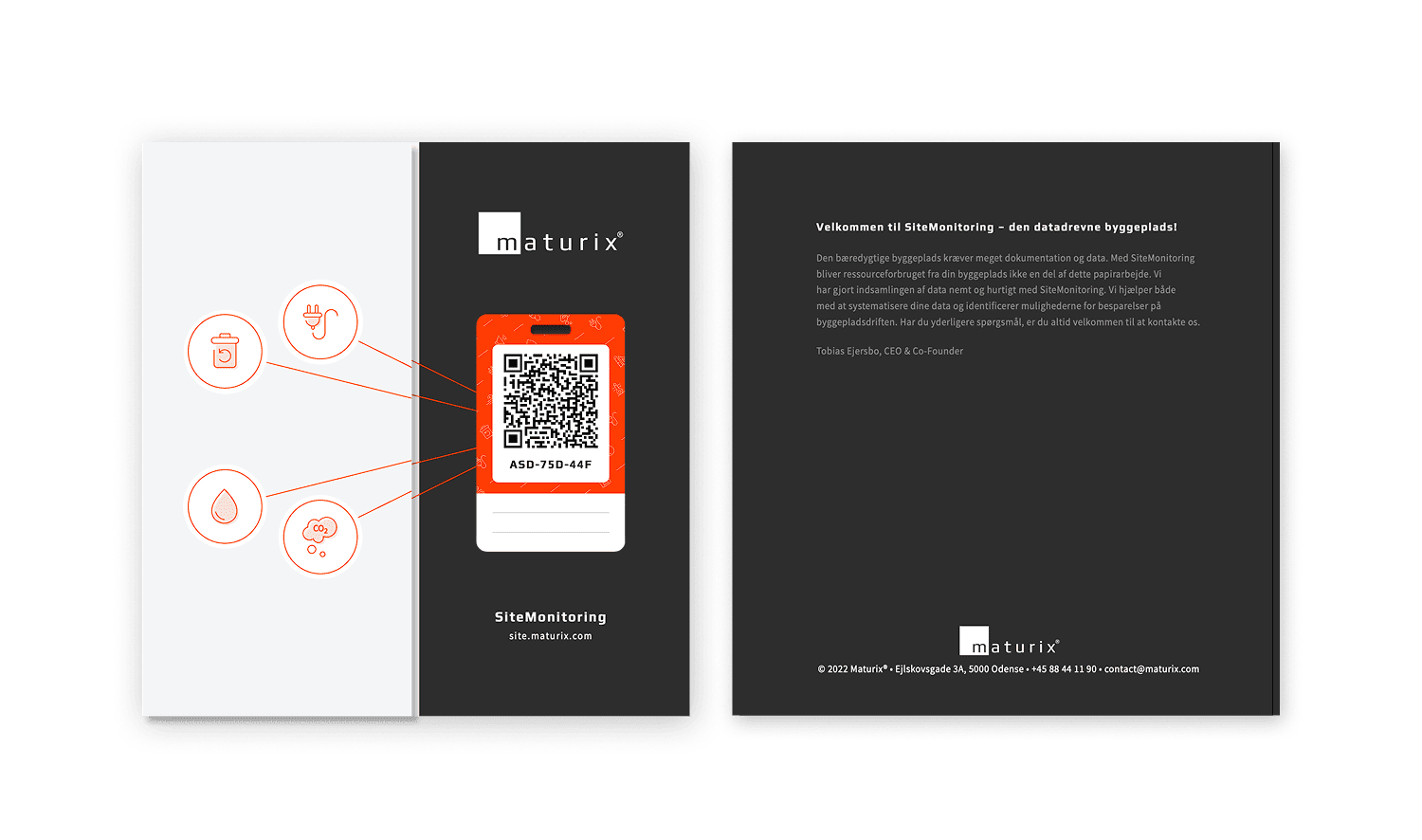
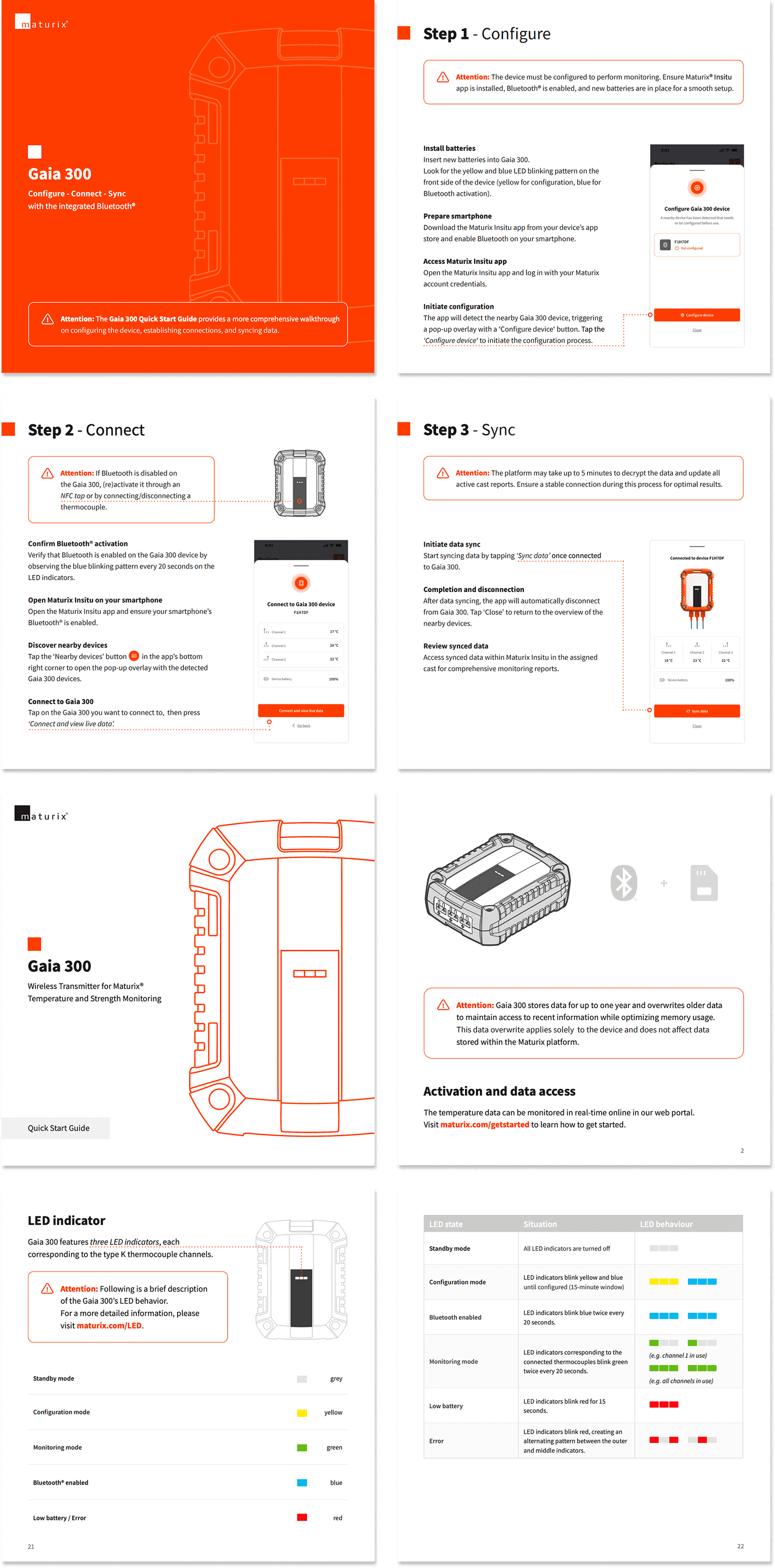
Alongside the LED system, I wrote and designed the Quick Start Guide and a one-page reference included in the product box. The Quick Start Guide covers the full setup flow: battery installation, app setup, configuration, thermocouple connection, Bluetooth connection, and data sync. It includes step-by-step instructions, annotated screenshots, and a full LED reference. The one-pager simplifies the Configure-Connect-Sync flow into three steps for quick reference on site.
Outcome
The LED behaviour shipped with the Gaia 300 hardware. Site teams can read device status at a glance in any field condition, without opening the app. The Quick Start Guide and one-pager shipped in the product box, giving any user a direct path from unboxing to first data sync without support.